

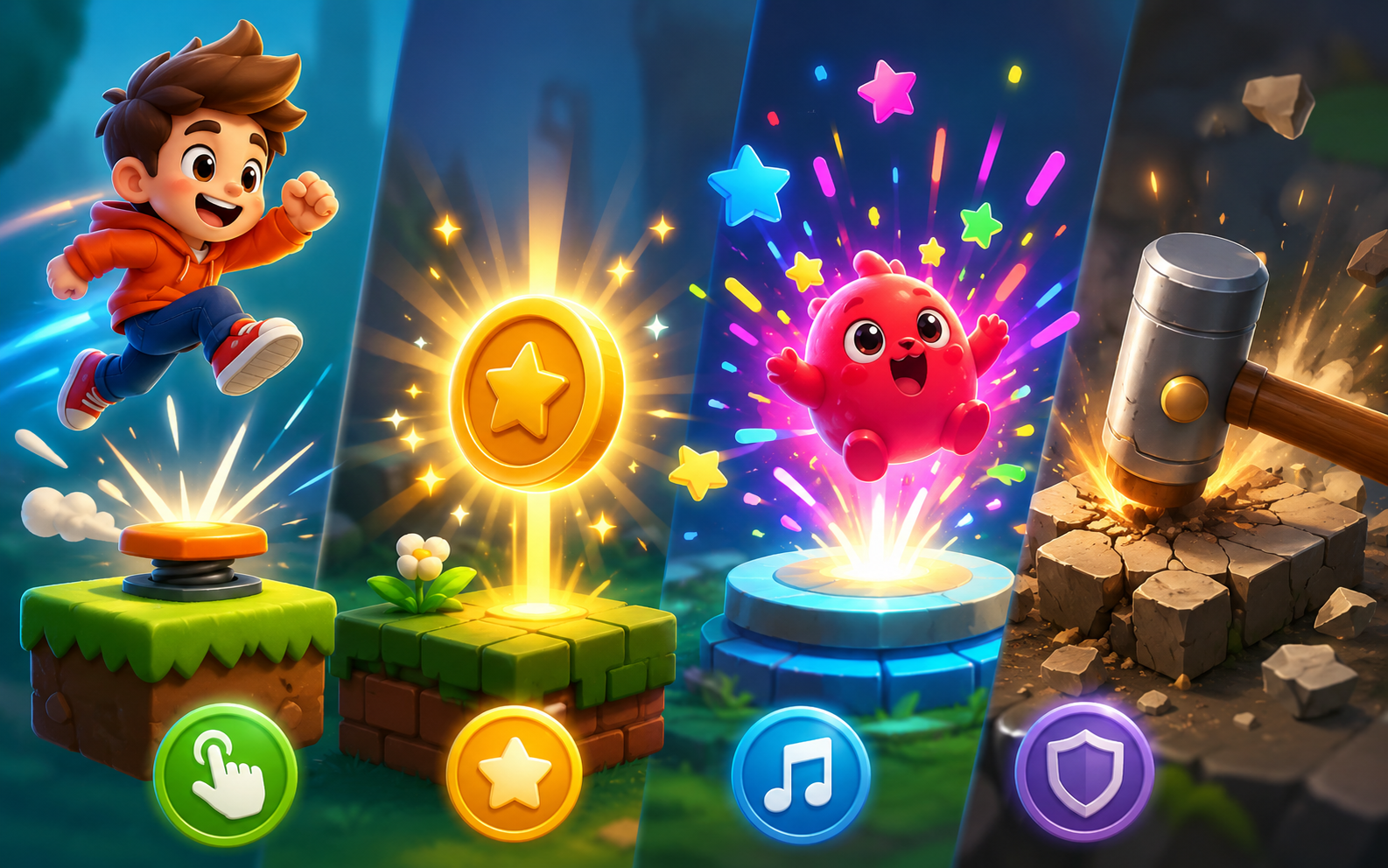
Why Your Game Feels Flat, And How to Fix Player Feedback
You’ve polished the visuals, optimized performance, and everything technically works, yet players still say the game feels “boring” or “off.” Nine times out of ten, the culprit is weak feedback. If players can’t feel that their actions matter, even the best mechanics fall flat.
This is especially common in AI generated games, since new content gets created quickly and the system can skip over the small reactive details that make gameplay satisfying. The good news: fixing this doesn’t require new features, just smarter responses to actions players are already taking.
Table of Contents
Why Feedback Is the Secret to Fun
Feedback is the bridge between a player’s action and the game’s reaction. A jump that ends with a soft bounce and sound effect feels solid. A collected item that flashes and chimes feels rewarding. Take that away, and the action becomes hollow, technically correct, but emotionally empty.
Good feedback does three things. It confirms the action was registered, it shows the result clearly, and it delivers a small emotional payoff that keeps players engaged. Keeping this consistent across every generated level is what separates a forgettable game from one people keep coming back to.
4 Reasons Your Game’s Feedback Falls Short
- No visual confirmation. Actions happen with zero change in color, motion, or particles, leaving players unsure if anything happened.
- Missing or delayed sound. Key actions and wins pass by silently, making the experience feel lifeless.
- Weak reward timing. The payoff for success comes too late or too small to register as an achievement.
- Inconsistent feedback across content. Older sections feel responsive, but newly generated areas don’t match.
How to Audit Your Game’s Feedback
Play through your own game and pay attention to every single action. After each jump, tap, or collection, ask yourself if that felt satisfying, or just functional. Pay special attention to newly generated areas, since feedback often breaks down first in fresh content.
Bring in a few friends to playtest. Fresh eyes catch dead spots you’ve stopped noticing. Write down every action that felt flat, along with what was missing. This list becomes your fix it roadmap.
Fixing Visual Feedback First
Visuals are the quickest win. Every tap or button press should trigger an instant reaction, such as a scale bump, color flash, or small particle burst. Successful collections should disappear with a glow and a quick score animation.
Keep effects short and clean so they enhance the action instead of slowing it down. Use bright, energetic effects for positive outcomes, and subtler ones for neutral actions. Set rules so similar objects automatically inherit the same visual feedback. This keeps quality consistent as you scale.
4 Quick Wins for Stronger Feedback
- Instant input confirmation. Every tap, press, or movement should produce a same frame reaction.
- Satisfying success animations. Bright bursts or short animations for wins, collections, and level completions.
- Clear sound cues. Distinct, pleasant sounds for important actions, kept above the background noise.
- Consistency across generated content. Apply the same feedback logic to all new levels and objects automatically.
Don’t Underestimate Sound
Sound carries emotional weight visuals can’t replicate on their own. A light tap sound for jumps, a cheerful chime for collections, a solid thud for landings, these small touches make a game feel alive.
Vary sounds based on context, such as landing on grass versus stone, and make success sounds noticeably brighter than regular movement sounds. Test your game with sound on, then off, and the gap usually tells you everything. Make sure sound rules apply automatically to every new object as content scales.
4 Focus Areas for Feedback Improvements
- Input Confirmation. Every action gets an immediate visual or audio signal.
- Success Celebration. Wins stand out with effects that create a genuine emotional lift.
- Action Weight. Movements and impacts feel physically grounded.
- Consistency and Reliability. Same feedback quality across every level and object, generated or not.
Test With Real Players
Once you’ve made changes, bring in people who’ve never played the game. Watch their reactions and see if they smile during wins, or repeat actions because they feel good. Ask directly which moments felt rewarding and which still fell flat, then refine accordingly. Re test after every round of changes.
See It Done Right
A strong example of clear and satisfying feedback is Astroman, playable on Astrocade. Every jump, collection, and win delivers instant visual and audio confirmation, a benchmark worth studying as you refine your own game.
Keep It Simple, Keep It Consistent
Strong feedback doesn’t need to be elaborate. A handful of clean, reliable effects used consistently beats a pile of flashy animations that confuse players or slow the game down. Prioritize your most frequent actions first, and as you generate new content, make sure feedback rules apply automatically across the board.
Final Thoughts
Weak feedback is one of the most common reasons a well built game still feels dull, since players simply can’t feel the impact of what they’re doing. Fix it with instant visual cues, satisfying success effects, clear sound design, and consistency across all content. Start by identifying your flattest moments, add feedback, test with real players, and watch engagement climb.
